


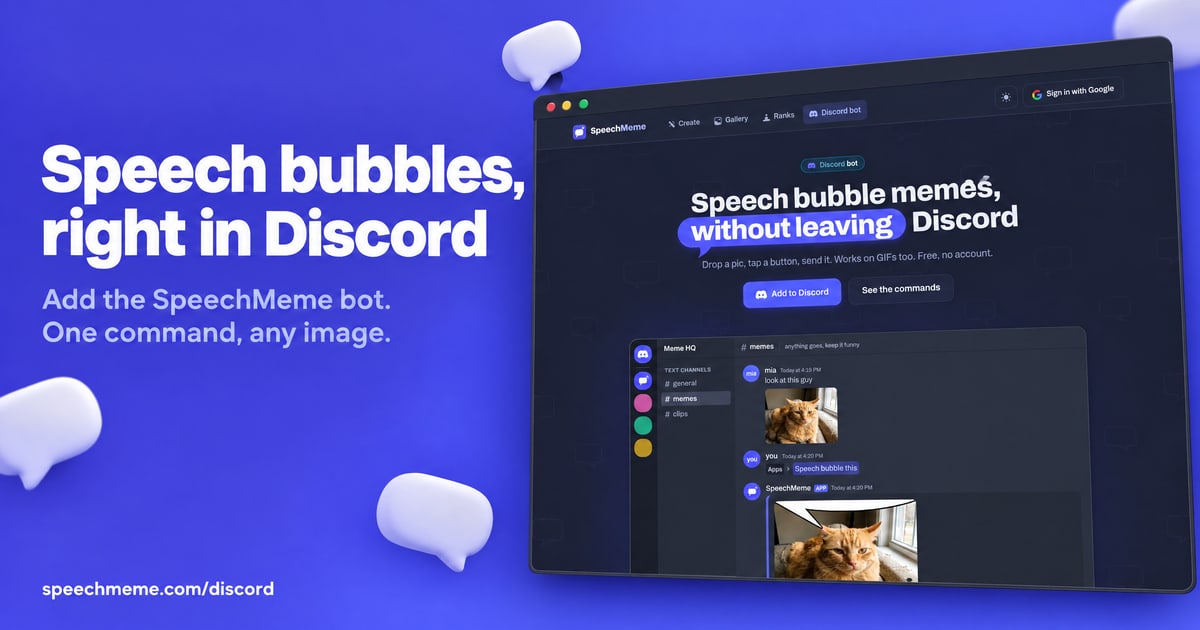
Speech bubble memes, without leaving Discord
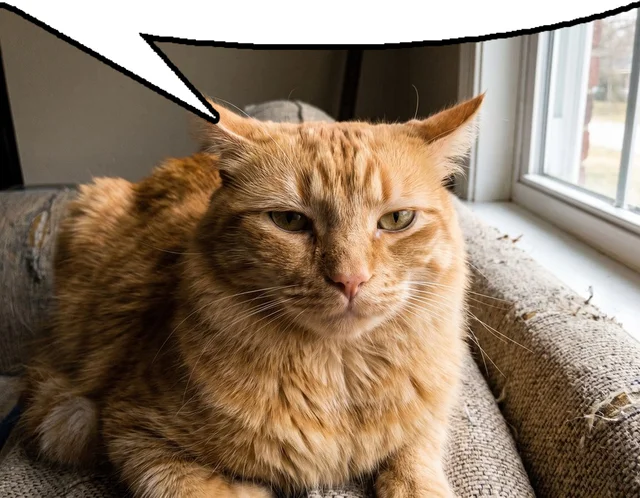
Drop a picture, get the meme back in about a second. SpeechMeme puts the speech bubble on any image or GIF, right there in your chat. No account, no setup, no watermark.
Add SpeechMeme

Three ways to make one
/bubble— upload any picture or GIF and the meme comes back in a second- Right-click any message → Apps → Speech bubble this — bubble a picture someone else posted, without saving it first
/search— pull a meme out of the public SpeechMeme gallery by what is in the picture (cat, homer, angry)./randomif you feel lucky.
Why servers keep it
- Fast. About a second per meme, GIFs included.
- Nothing hits the channel by accident. The result is private to you until you press Send.
- Tweak it in place. Buttons move the tail, flip the bubble to the bottom, put one on both edges, or cut the bubble out of the image.
- GIFs stay animated — and animated GIFs are the ones Discord lets you favorite.
- Zero setup. Add it and the commands are there. No roles, no channels, no config wizard.
- Safe by default. Every image goes through AI moderation before anything is posted.
- Install it on your account and use it in any server or DM, even where the bot is not added.
Commands
/bubble— put a speech bubble on any pic or GIF- Apps → Speech bubble this — bubble the picture in any message
/search— find a meme from the SpeechMeme gallery/random— a random meme, instantly/help— how it works, in one card
Also on the web
Everything the bot does also lives at speechmeme.com
Questions, ideas or bugs? Join our Discord
About
Turn any picture or GIF into the speech bubble meme in one command. Right-click any image to bubble it, or pull memes from the gallery. Free, no setup.
Details
Prefix/
Votes1
Guilds
Authors
Extra
Features
- Documentation
- Interactive buttons